
Download Pimp My Picture – Photo Editing, Cartoon Effects, Fun Elements, Smartphone Tool
Overview
Pimp My Picture is a mobile application crafted for users seeking a playful and creative way to transform ordinary photos into entertaining, cartoon-inspired images. Designed with simplicity in mind, the app caters to individuals of all technical skill levels, from casual users to those exploring digital art for fun. Its core purpose lies in enabling quick, intuitive photo editing with whimsical enhancements such as exaggerated facial features, comic-style effects, and customizable props like snacks and signs. These tools are ideal for crafting humorous greeting cards, social media posts, or lighthearted messages to share with friends and family.
The app addresses the growing demand for accessible, entertaining photo-editing tools that don’t require professional expertise. It fills a niche in the mobile ecosystem by offering a lightweight, focused experience centered around fun rather than advanced image manipulation. While the developer has not provided additional background details, the app’s long-standing presence since its release on February 12, 2013, suggests a stable and enduring utility. Real-world use cases include creating birthday surprises, meme-style content, or personalized gifts, making it a versatile tool for social and personal expression. Its continued relevance highlights its value in the realm of casual digital creativity.
Key Features & Functionality
- User-Friendly Interface: The app features a clean, straightforward layout that enables users to navigate options effortlessly. Even individuals unfamiliar with photo editing tools can begin customizing images within seconds, making it highly accessible for all age groups.
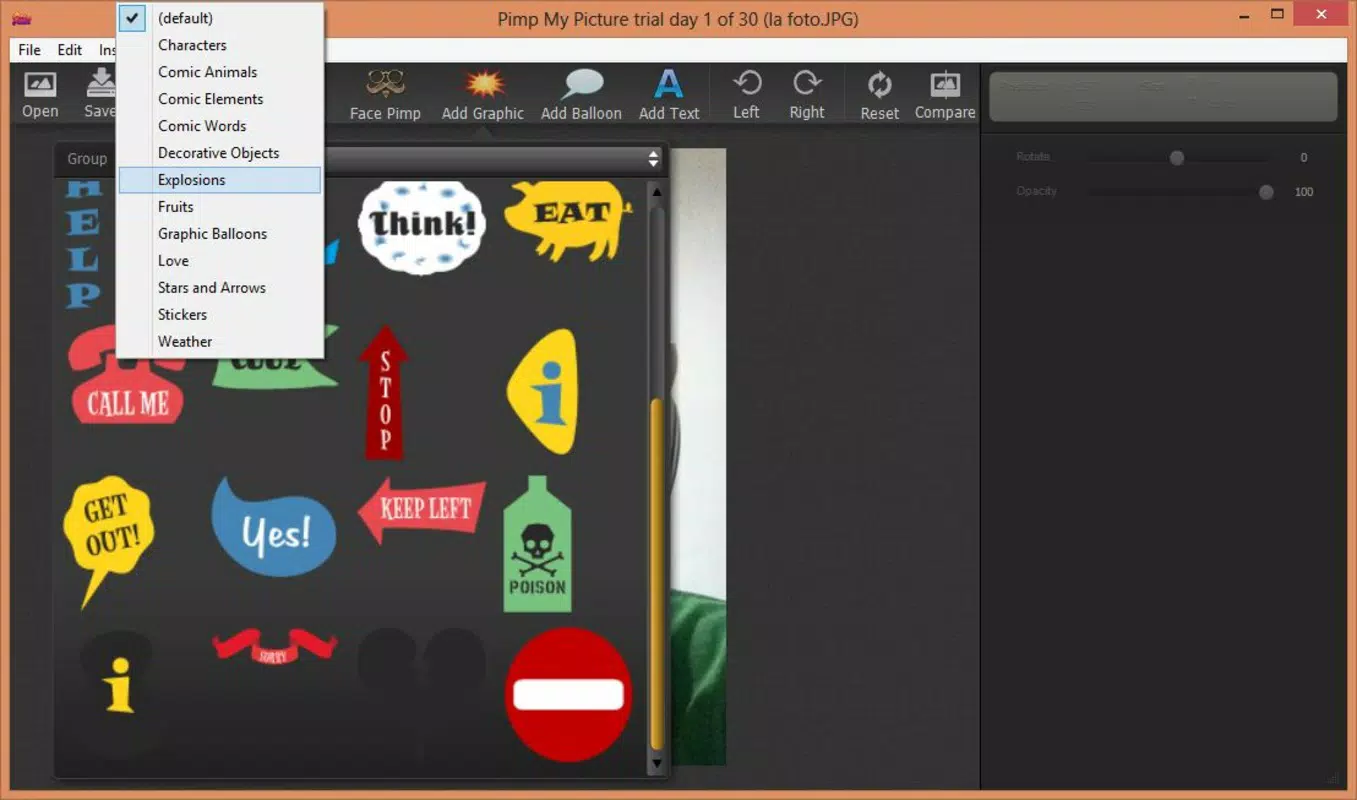
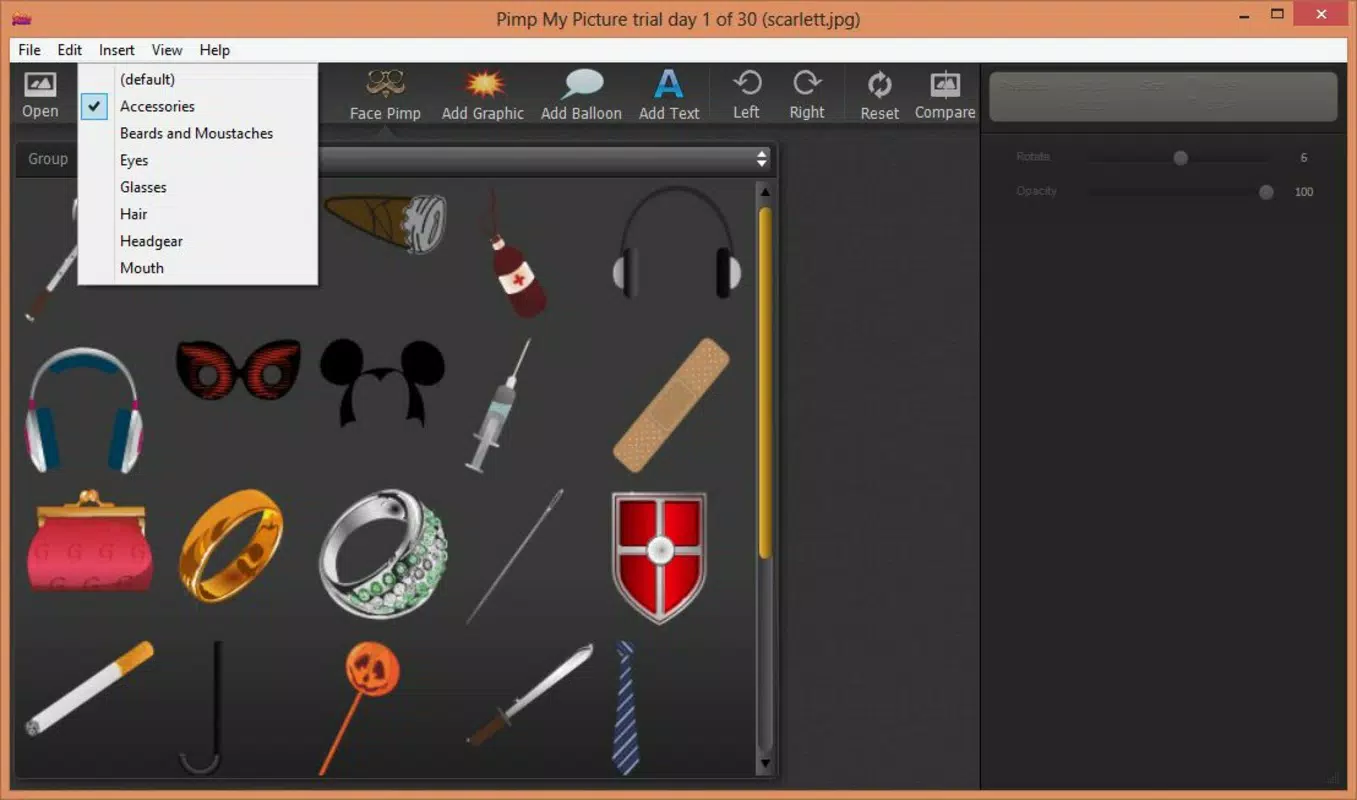
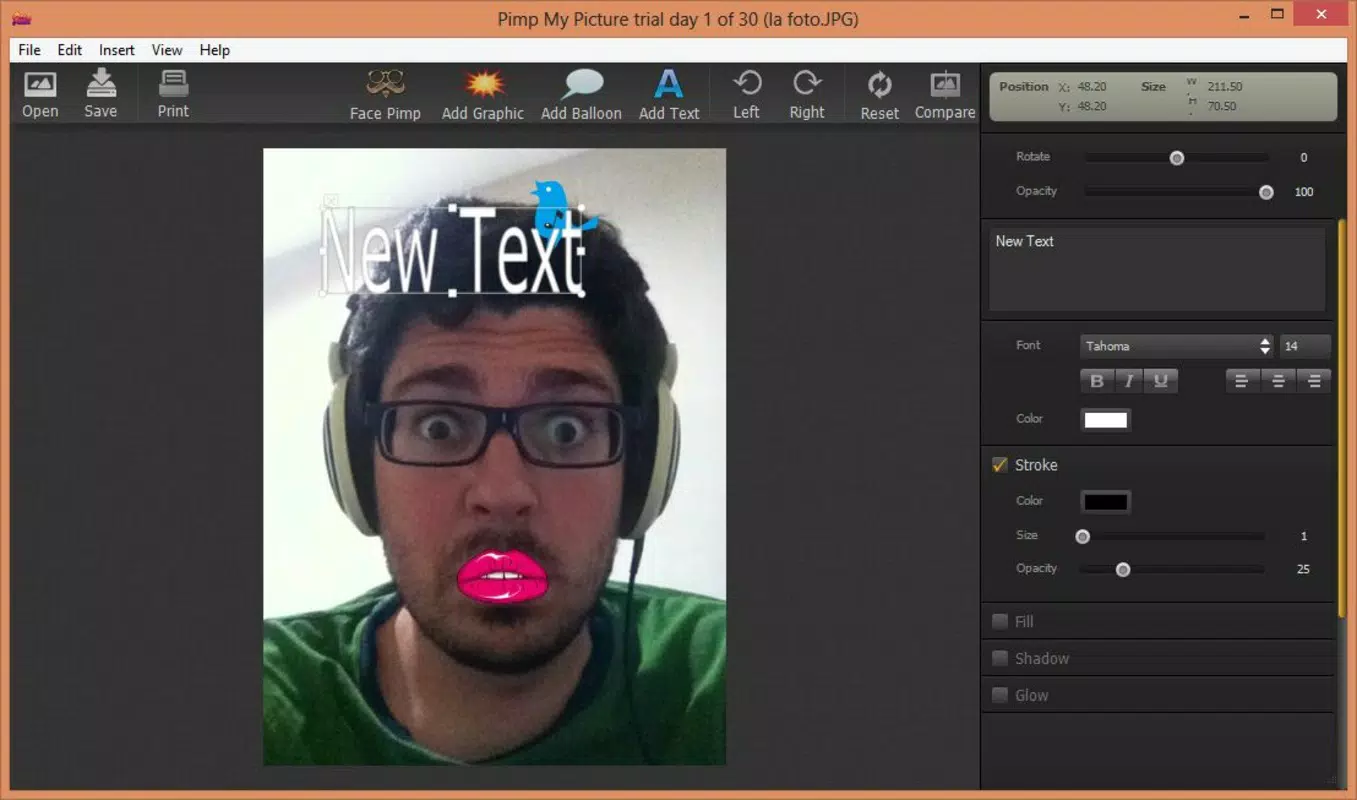
- Wide Range of Cartoon Elements: A diverse selection of fun and expressive features—such as oversized eyes, exaggerated mouths, and comic-style borders—can be applied to photos. Users can also insert playful items like food, hats, or personalized text to add humor and personality.
- Customizable Adjustments: Each added element can be resized, rotated, and repositioned to achieve the desired visual effect. This level of control allows for unique, tailored designs that reflect individual creativity.
- Easy Mistake Correction: If an element is misplaced or unwanted, users can delete it with a simple tap or key press. This feature reduces frustration and encourages experimentation without fear of irreversible errors.
- Export and Share Options: After editing, images can be exported in multiple resolutions and shared directly to platforms like Facebook or printed for physical use, ensuring seamless integration into social and personal workflows.
For example, a user might transform a group photo into a comic strip by adding speech bubbles and exaggerated expressions, then share it instantly with friends. Another might create a humorous birthday card by placing a giant donut over someone’s head and adding a playful caption. These real-world applications demonstrate how the app enhances everyday digital interactions with creativity and joy.
Interface, UX & Performance
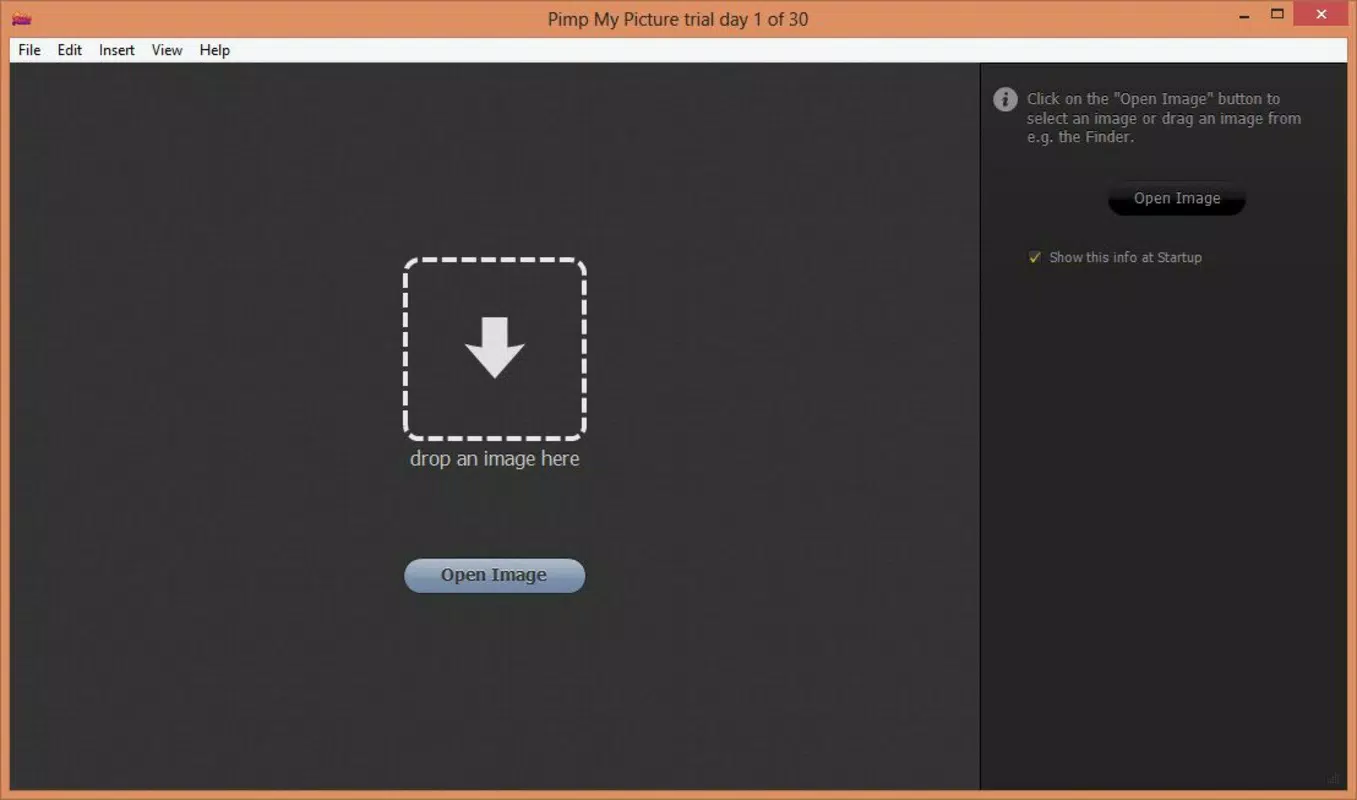
The user interface of Pimp My Picture emphasizes clarity and ease of access. Elements are arranged in a logical, visually balanced layout, minimizing clutter while ensuring all tools are within reach. Navigation is intuitive, with clearly labeled options that guide users through the editing process step by step. The visual style leans toward playful and vibrant, aligning with the app’s fun-oriented purpose.
Interaction flow is smooth, allowing users to upload images, apply effects, adjust elements, and export results in a minimal number of taps. Although the developer did not list formal performance metrics, the app’s lightweight design suggests efficient operation across a range of device categories. Responsiveness appears consistent, with minimal lag during image loading and element manipulation. Stability is maintained through straightforward functionality, avoiding complex processes that could lead to crashes or freezes.
Users can expect a reliable experience on both older and newer smartphones, provided the device meets the app’s unspecified technical requirements. The app’s focus on simplicity contributes to its overall performance, ensuring that even lower-end devices can handle basic editing tasks without significant delays.
Platform Compatibility & Technical Requirements
Pimp My Picture is available on Android, though the specific operating system version is not listed. The app’s file size is not disclosed, but its functionality suggests it is optimized for efficient storage use. Compatibility information was not fully disclosed, and the developer did not specify minimum OS requirements or hardware specifications.
While the app has been available since 2013, users should verify current compatibility with their device’s operating system before downloading. The absence of detailed technical data means that installation on newer or older devices may vary in outcome. For optimal results, users are advised to ensure their device is running a recent version of Android, though this cannot be confirmed from the provided information.
Pros and Cons
Pros
- Simple, intuitive interface suitable for users of all skill levels.
- Offers a wide variety of fun, cartoon-style elements and effects.
- Provides customizable controls for resizing, rotating, and positioning added elements.
- Includes easy-to-use mistake correction via deletion.
- Supports multiple export formats and direct sharing to social platforms.
Cons
- Specific technical requirements and OS compatibility details were not provided.
- File size and version information are unavailable.
- No indication of cloud sync or backup features.
- Limited to basic photo editing with no advanced tools like filters or layering.
- Long release date may suggest outdated design or lack of recent updates.
FAQ
Is Pimp My Picture safe to download and use?
Yes, the app is designed for general use on Android devices. As with any third-party application, users should download it from trusted sources to ensure security and avoid potential risks.
Can I use Pimp My Picture on iOS devices?
The provided information does not confirm iOS availability. The app is currently listed as an Android application, and no official version for iOS has been mentioned.
Does the app require an internet connection?
Basic editing functions can be performed offline. However, sharing options like posting to Facebook may require an active internet connection.
Are there in-app purchases or ads?
The developer did not disclose information about monetization. While the app may include ads or optional purchases, no details were provided in the available data.
How often is Pimp My Picture updated?
Release date information shows the app was first published in 2013. The frequency of updates has not been disclosed, and no recent version details are available.
Final Thoughts + CTA
Pimp My Picture stands out as a dedicated, lightweight tool for users who enjoy transforming photos into fun, cartoonish creations. Its user-friendly design, combined with a playful feature set, makes it ideal for casual users seeking entertainment and creative expression. While the app lacks modern enhancements such as cloud integration or advanced editing tools, its core functionality remains effective and enjoyable. The ability to quickly add whimsical elements, adjust them freely, and share results instantly adds significant value for social and personal use.
Though some technical details are missing, the app continues to serve its intended purpose with reliability. For those looking to inject humor into their photos or craft unique digital gifts, Pimp My Picture delivers a satisfying experience. Its enduring presence in the mobile landscape speaks to its enduring appeal.
Download Pimp My Picture now


